
Top 10 Free PDF Compress Tools Online to Reduce File Size Instantly
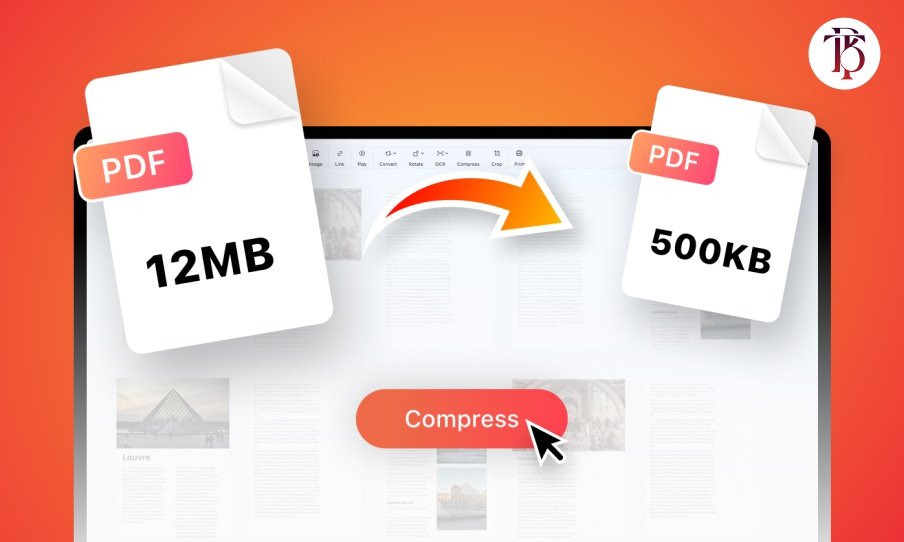
Large PDFs cause stress. They slow uploads. They block emails. They take space. The answer is compression. Today, you don’t need paid software. Free tools exist online. They shrink files fast. They keep quality intact. Here are the top 10 free PDF compress tools you can use right now.
1. Smallpdf
Smallpdf is fast. Drag your file. Drop it. Click compress. Within seconds, you get a lighter PDF. The tool runs in the browser. It works across devices. Free use is limited, but for quick jobs, it’s excellent.
2. ILovePDF
ILovePDF is simple. Upload. Select compress. Download. That’s it. The tool also merges, splits, and edits PDFs. If you need an all-in-one tool, this one is solid.
3. PDF Compressor
PDF Compressor focuses on size. It compresses while keeping clarity. You choose between strong compression or balanced quality. It suits users who send many files by email.
4. Soda PDF Online
Soda PDF compresses online without effort. The platform also offers editing, converting, and e-signing. If you want more than compression, Soda PDF is handy.
5. Adobe Acrobat Online
Adobe is the PDF giant. Their free online compressor is reliable. Just upload. Wait. Download. It’s smooth, secure, and trusted.
6. PDF2Go
PDF2Go is flexible. It compresses PDFs, but also edits, rotates, and converts them. It’s good if you want a toolbox in one tab.
7. HiPDF
HiPDF is modern. The design feels clean. The tool works well on mobile too. If you need compression while away from your desk, HiPDF fits.
8. PDF Candy
PDF Candy offers 40+ PDF tools. Compression is just one. It’s free. It’s fast. The interface is easy. Many users love it for batch tasks.
9. Sejda PDF
Sejda has limits but works well. Free users can process up to three tasks per day. Compression is effective. For small needs, it’s perfect.
10. Online2PDF
Online2PDF looks plain, but works strong. It compresses, converts, and edits. It handles big files that some tools reject.
Final Words
Big PDFs slow work. Free online tools fix that. You don’t need to install software. You don’t need to pay. Just upload. Click compress. Get results in seconds.
These 10 tools help you save space, send files faster, and work smarter.